Get More Google Reviews for Your Optometry Practice
Patients choosing an optometrist want a thorough eye exam, great frame selection, and a friendly experience. Google reviews that highlight all three drive more appointments and frame purchases. ProsperQR helps you collect reviews from patients who leave seeing clearly and looking great.
Trusted by 90,933 business locations worldwide
Real Results from Real Optometrists
10 optometrists using ProsperQR
Explore the interactive map to see actual optometrists using ProsperQR to get more reviews.
12 days
Average time to first scan after signup
80%
Average review increase
99
New reviews gained by optometrists on ProsperQR
Real 5-Star Reviews for Optometrists
These are actual Google reviews collected by optometrists using ProsperQR.
Very efficient and very knowledgeable! Thank you for that!

Chris Klein
L E
1 day ago
My four year old needed an exam and Dr. Matt made the whole experience amazing. He presented various options for treatment and explained everything throughly. I highly recommend Long Lake Eye!

Melissa Belanger
L L E
2 days ago
Had a wonderful experience! Everybody is friendly and knowledgeable, and I’m excited to get my new glasses.

Katie Phillips
L L E
2 days ago
I visited Dr. Matthew Lepage and Emily on September 29th. They’re both awesome people! This was the most thorough eye appointment I have ever had. We were able to do all the imaging and go through everything in one visit. I will be returning the next time I need a check-up. Highly recommend visiting Long Lake Eye for your next eye appointment.

Elias Uecker
L L E
4 days ago
Sharon is absolutely amazing. She always helps me pick my glasses, has a phenomenal attitude, and this office has always helped me see the world better, I am very grateful for the relationship I’ve built with them through the years.

debbie rodriguez
L E
5 days ago
I had a fantastic experience getting my annual eye exam at Long Lake Eye! The clinic is so beautiful. Emily, the Optical Manager and front desk staff member, was very welcoming and check-in was quick. In attention to offering a full-scope optometric practice, they have a large selection of eyewear and sunglasses. Dr. Matt Lepage was incredibly thorough, took the time to explain every test, and showed me all the photos while answering all my questions. I was really impressed by how innovative the technology used is and how much information was collected in such a short time. I highly recommend Long Lake Eye to anyone looking for professional eye care with a small-town, personal feel. It’s so rare to find both in today’s world!

Paige Miller
L L E
8 days ago
Had a wonderful first experience at Long Lake Eye Care! The office is exceptionally clean, organized, and welcoming. The staff is friendly and helpful, and Dr. Matt is fantastic—incredibly personable and a pleasure to work with. Highly recommend!

Chris Cole
L L E
8 days ago
Great shopping experience! High level of honest and kind service, in a relaxed, no-pressure atmosphere, and a beautiful selection of original and distinct designer eyewear. Beautiful store with lots of natural light and its own parking lot. If you're in the market for a new frame, come check them out!

M O
L E
9 days ago
Jemma was very kind and changed my nose pads for free, also cleaning my glasses. :)

Tao-Tao He
L E
10 days ago
Dr. Abood was amazing! Super kind, professional, and made me feel very comfortable. Highly recommend! ✨

Marcela Kerezman
D A D OD
13 days ago
Matt and the team at LL Eye were fantastic! Glad to have them in the community.

Andy Berg
L L E
15 days ago
⭐⭐⭐⭐⭐ I had such a wonderful experience at this eye clinic! The office is lovely, the selection of glasses is great, and the downtown Long Lake location is so convenient. Emily at the front desk was incredibly helpful and patient in helping me pick out the best glasses. She made the whole process easy and actually made choosing frames fun! Dr. Lepage was also fantastic. He has the most up-to-date technology, was very thorough, and has such a kind and welcoming demeanor. I really appreciated how comfortable and well taken care of I felt throughout my appointment. I highly recommend this office to anyone looking for a great eye care experience!

Allison Taylor
L L E
16 days ago
Wonderful experience from start to finish! Dr. Lepage was thorough, professional, and Emily was incredibly friendly and helpful when choosing my glasses. I found the perfect pair of glasses and prescription sunglasses. Brought my 7 year old daughter in the following week for her first eye doctor check up. Dr. Lepage is wonderful with kids. Even had a secret door to one of the exam rooms! I couldn’t be happier with the service. Highly recommend!

Megan Hillesheim
L L E
18 days ago
Amazing people working here that are extremely welcoming and helpful

Nayib
P H OD
18 days ago
Matt and Emily were amazing!!! Would highly recommend.

Josie Hodges
L L E
22 days ago
Clean and welcoming environment. Dr was thorough, very knowledgeable, and super nice! Staff was incredible and really helped me with my purchase of glasses! 10/10

Brooke B
L E
22 days ago
First time as patient, excelent customer service, very polite, receptionist and doctor very charismatic and fast. Definitely coming back :)

Lisbeth j
P H OD
23 days ago
Professional service, great explanation of procedures . Highly recommended. Thank you.

marks stys
L E
24 days ago
Would highly recommend going to Long Lake Eye your eye care needs. I decided to switch my family to a small town doctor versus the big box chains and I couldn’t be happier. Dr. Matt fitted my boys for their contacts and helped me navigate all the options for “aging” eye after years of great post lasik vision. So excited to have a great clinic in our town!!!

Cassandra Thoreson
L L E
24 days ago
Dr. Dhima is amazing. Her staff was friendly and check-in was fast. The technician explained every test before doing it. Dr. Dhima was wonderful, patient, and took the extra time to explain my test results and answered my questions about contact lens options. The office was clean and had a great frame selection. Highly recommend this office to everyone!

Susan Green
L E
25 days ago
Ready to grow your optometrist's Google reviews?
Join 15,000+ business locations using ProsperQR to collect more 5-star reviews.
Why Google Reviews Matter for Your Optometrist
Ask for Reviews When Patients Pick Up New Glasses
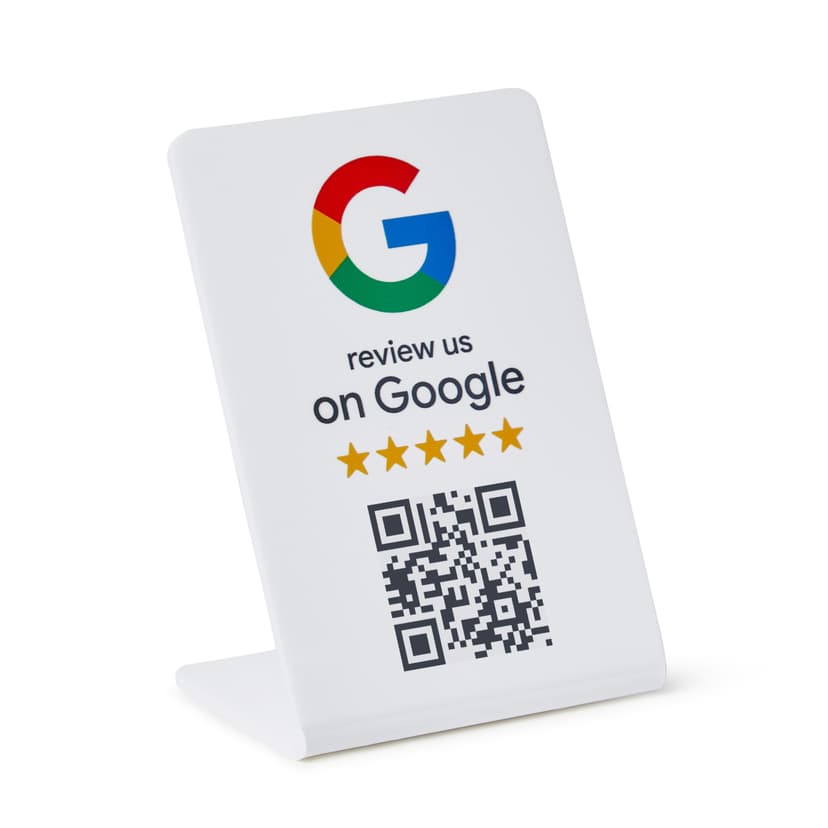
The moment patients try on their new glasses and see perfectly is a delightful experience. A ProsperQR stand at your optical counter captures that satisfaction as a Google review.
Attract Patients Looking for a Trusted Eye Doctor
Patients want an optometrist who is thorough, explains findings clearly, and has a great frame selection. Reviews that mention these qualities help your practice stand out from big-box optical chains.
Improve Local Search Rankings for Eye Care
Whether patients search for "eye exam near me" or "optometrist," Google prioritizes practices with strong review profiles. Consistent reviews keep your practice at the top of these searches.
How It Works
Start collecting more reviews in under 60 seconds.
Place the QR Stand
Set up your ProsperQR stand at the optical dispensing counter or front desk. It takes less than a minute.
Customers Scan or Tap
Customers scan the QR code or tap with NFC to go directly to your Google review page.
Reviews Come In
Watch your Google rating climb as happy customers leave 5-star reviews on the spot.
Why ProsperQR Works Better
Compare ProsperQR to other ways of collecting Google reviews.
| ProsperQR | Ask verbally | Follow-up emails | Review cards | |
|---|---|---|---|---|
| Asks at peak satisfaction | ||||
| No staff effort required | ||||
| Links directly to Google | ||||
| Works for every customer | ||||
| Collects reviews 24/7 |
Frequently Asked Questions
How does ProsperQR work for optometrists?
Place a ProsperQR stand at the optical dispensing counter or front desk. When customers scan the QR code or tap with NFC, they're taken directly to your Google review page. No app downloads, no accounts to create — they leave a review in under 30 seconds.
Where should I place the ProsperQR stand in my optometrist?
The best placement is at the optical dispensing counter or front desk — right where customers are most satisfied with your service. You want to catch them at their happiest moment so the review reflects their best experience.
How many more reviews can my optometrist expect?
Results vary, but businesses using ProsperQR typically see a significant increase in their Google reviews within the first month. The key is that you're asking at the right moment — in person, when the customer is happy. Customers are 87% more likely to leave a review when asked in person.
How long does setup take?
Less than 60 seconds. Just connect your Google Business Profile, and your ProsperQR stand is ready to go. No technical knowledge required — if you can scan a QR code, you can set it up.
Does ProsperQR work with Google Business Profile?
Yes. ProsperQR connects directly to your Google Business Profile. Every review collected goes straight to your Google listing, boosting your rating and your rank on Google.
What if a customer wants to leave a negative review?
ProsperQR links directly to Google — all reviews are authentic. However, asking in person at the point of satisfaction means happy customers are far more likely to leave a review. Plus, ProsperQR includes review monitoring and AI-written auto-replies to help you respond to every review professionally.

Start collecting reviews in less than 60 seconds
Get real results fast. More reviews, more customers, more sales.
Get Started