Get More Google Reviews for Your Housing Development
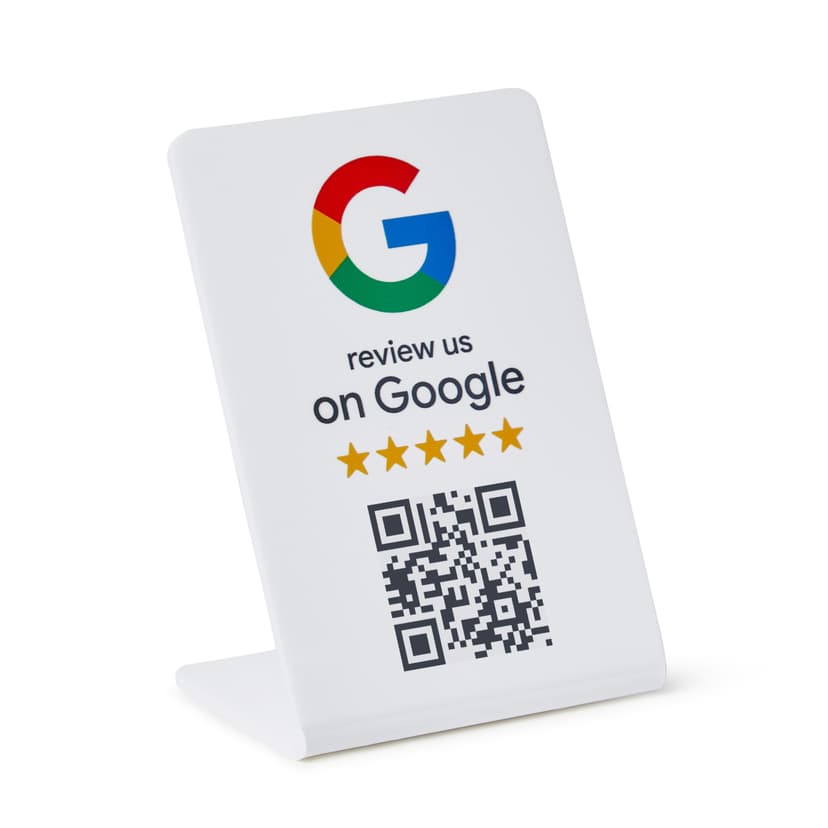
Prospective residents research housing developments online before visiting, and Google reviews shape their first impression. Reviews about home quality, neighborhood amenities, and community management influence where families decide to live. ProsperQR helps you collect reviews from proud residents who love where they live.
Trusted by 90,933 business locations worldwide
Real 5-Star Reviews for Housing Developments
These are actual Google reviews collected by housing developments using ProsperQR.
Love it quite and very nice and affordable

Mr Beebe scott
H P
10 days ago
Ready to grow your housing development's Google reviews?
Join 15,000+ business locations using ProsperQR to collect more 5-star reviews.
Why Google Reviews Matter for Your Housing Development
Let Residents Sell the Community
Place review stands in the community clubhouse or HOA office. Residents who love their neighborhood will share specifics about the parks, schools, and community events that make your development special.
Increase Property Values Through Reputation
A well-reviewed housing development attracts more buyers, which drives demand and supports property values. Every positive review contributes to the financial well-being of your entire community.
Fill Remaining Lots and Phases
Reviews from early residents provide authentic social proof that helps sell remaining inventory. Buyers are more confident purchasing in a community where current residents are publicly happy.
How It Works
Start collecting more reviews in under 60 seconds.
Place the QR Stand
Set up your ProsperQR stand in the community clubhouse, HOA office, or sales center. It takes less than a minute.
Customers Scan or Tap
Customers scan the QR code or tap with NFC to go directly to your Google review page.
Reviews Come In
Watch your Google rating climb as happy customers leave 5-star reviews on the spot.
Why ProsperQR Works Better
Compare ProsperQR to other ways of collecting Google reviews.
| ProsperQR | Ask verbally | Follow-up emails | Review cards | |
|---|---|---|---|---|
| Asks at peak satisfaction | ||||
| No staff effort required | ||||
| Links directly to Google | ||||
| Works for every customer | ||||
| Collects reviews 24/7 |
Frequently Asked Questions
How does ProsperQR work for housing developments?
Place a ProsperQR stand in the community clubhouse, HOA office, or sales center. When customers scan the QR code or tap with NFC, they're taken directly to your Google review page. No app downloads, no accounts to create — they leave a review in under 30 seconds.
Where should I place the ProsperQR stand in my housing development?
The best placement is in the community clubhouse, HOA office, or sales center — right where customers are most satisfied with your service. You want to catch them at their happiest moment so the review reflects their best experience.
How many more reviews can my housing development expect?
Results vary, but businesses using ProsperQR typically see a significant increase in their Google reviews within the first month. The key is that you're asking at the right moment — in person, when the customer is happy. Customers are 87% more likely to leave a review when asked in person.
How long does setup take?
Less than 60 seconds. Just connect your Google Business Profile, and your ProsperQR stand is ready to go. No technical knowledge required — if you can scan a QR code, you can set it up.
Does ProsperQR work with Google Business Profile?
Yes. ProsperQR connects directly to your Google Business Profile. Every review collected goes straight to your Google listing, boosting your rating and your rank on Google.
What if a customer wants to leave a negative review?
ProsperQR links directly to Google — all reviews are authentic. However, asking in person at the point of satisfaction means happy customers are far more likely to leave a review. Plus, ProsperQR includes review monitoring and AI-written auto-replies to help you respond to every review professionally.

Start collecting reviews in less than 60 seconds
Get real results fast. More reviews, more customers, more sales.
Get Started